Uncharted Waters OriginVeröffentlicht 15. Oktober 2026Aktualisiert 31. Okt. 20266 Min. Lesezeit
Uncharted Waters Origin War of Genesis Rerun: Fixing the Crossover Bugs
Uncharted Waters Origin brought back its War of Genesis crossover, and returning players are hitting missing rewards, stuck quests and login errors. Here is how to fix each one.
Bild: Steam
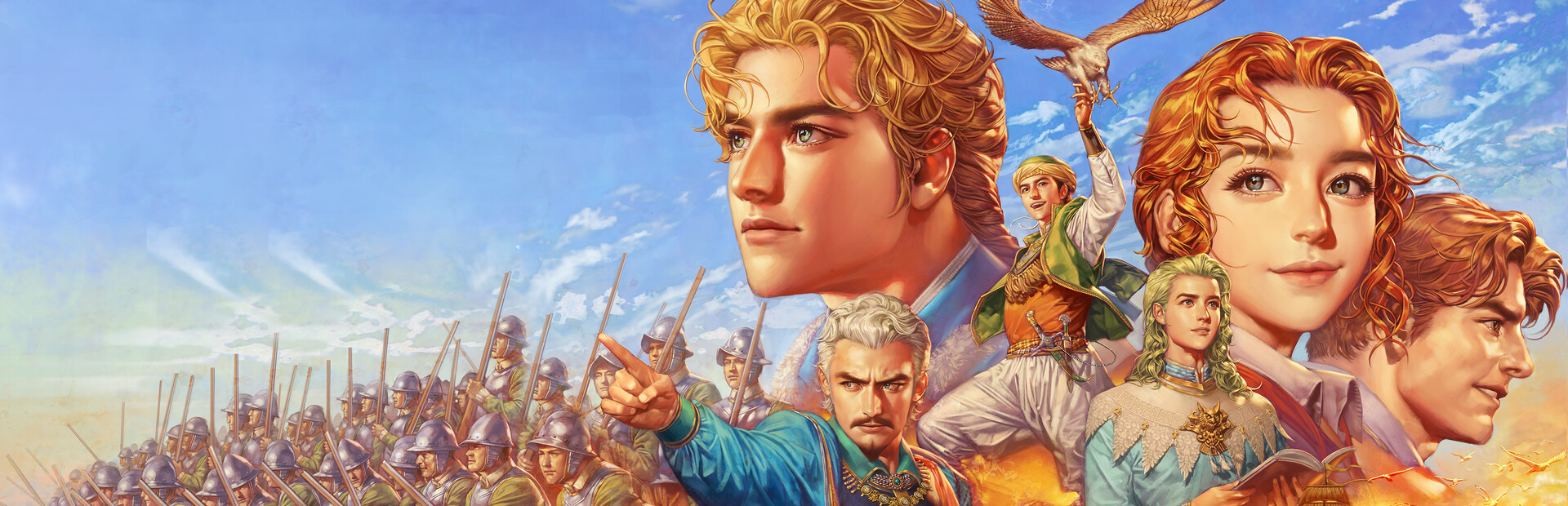
Uncharted Waters Origin reran its crossover with the strategy RPG The War of Genesis in an October 2026 update from LINE Games, and players who took part the first time are running into a predictable batch of problems: rewards that never arrive, quests that will not advance, and login errors that appear the moment the collab banner loads.
Most of these issues trace back to one thing. The game treats a rerun as a fresh event, but your account still carries the flags, mail history and inventory from the original run. When the two sets of data disagree, the client shows you a broken state. Almost every fix below is about forcing the client and the server to agree again.
The symptoms players are reporting
The complaints cluster into four groups.
Collab quests sit at 0 percent even after you finish the objective. You sail to the marked port, talk to the right NPC, and the counter does not move. Sometimes the quest marker points at a character who has nothing to say.
Rewards show as claimed but never land in your inventory. The event page shows a green check next to the day-one login reward, yet no items appear. Others get a mailbox notification with nothing inside it.
The game disconnects or hangs on the title screen right after the update. This one hits players who had the previous War of Genesis event active when the servers went down for maintenance.
Duplicate or missing collab characters. A player who already owned a War of Genesis crew member may see two copies, or see the character greyed out in the roster with no way to select them.
Why the rerun breaks things
LINE Games runs this crossover as a limited-time event, and a rerun reuses the same event ID as the original. Your account keeps a completion flag from the first run. The server reads that flag and decides you already finished the step, so it never sends the reward. Your client, meanwhile, reads the new event schedule and draws the quest as unfinished. That mismatch is the root of the stuck-progress and missing-reward reports.
The login and disconnect errors come from a different place. Cached event data from the first run sits in your local client files. After a patch, the client tries to read old asset references that no longer match the new build, and the connection drops during the handshake.
Dieser Beitrag wird in seiner Originalsprache veröffentlicht.
Duplicate characters usually mean the rerun granted a character you already had. The game should convert the extra copy into shards or currency, and sometimes that conversion fails silently.
Step-by-step fixes
1. Force a full client restart before you touch anything else. Close the game completely, not just to the title screen. On mobile, swipe the app away from the recent-apps tray. On PC, check Task Manager for a lingering Uncharted Waters Origin process and end it. Reopen the game and let the patch finish downloading before you log in.
2. Clear the local cache. On Android, go to Settings, then Apps, then Uncharted Waters Origin, then Storage, and tap Clear Cache. Do not tap Clear Data unless you have your account linked, because that wipes local login credentials. On iOS, offload the app instead: Settings, General, iPhone Storage, Uncharted Waters Origin, then Offload App. Reinstall it from the App Store afterward. On PC, open the launcher, find the repair or verify files option in the launcher menu, and run it.
3. Check your mailbox in the right order. Open the in-game mailbox from the main port screen, then switch to the Event tab rather than the General tab. Rerun rewards often land in the Event tab, and the two tabs have separate expiry timers. If the mailbox is full, delete old messages first. A full mailbox silently blocks new deliveries, which is the most common reason a reward shows as claimed but never arrives.
4. Re-log the collab quest manually. Open the event page from the banner on the main screen, tap the quest list, and select the stuck objective. If a Track or Go To button appears, tap it and let the game auto-navigate to the correct NPC. Talking to the NPC through auto-navigation often clears the flag that manual travel missed.
5. Abandon and retake the quest if it still will not move. Open the quest journal, select the War of Genesis objective, and choose Abandon. Then return to the event page and accept it again. You lose progress on that single step, not the whole event. This works because it forces the server to issue a fresh quest state instead of reading the old completion flag.
6. Fix duplicate characters in the roster. Open the crew or character menu, find the duplicate entry, and look for a Convert or Exchange option on the character detail screen. If the option is missing, do not spend resources on the duplicate. Submit a support ticket with a screenshot of both entries and your account ID.
7. For login and disconnect errors, switch networks once. Turn off Wi-Fi and log in over mobile data, or the reverse on PC. If the game connects on the second network, your router or ISP is caching the old event endpoint. Restart your router and try again. If it fails on both networks, wait for the next scheduled maintenance, because LINE Games usually pushes a hotfix within a day or two of a rerun launch.
8. Update your payment and region settings only if the event shop is empty. A blank collab shop usually means the store page failed to load, not that the event ended. Close the shop, reopen it from the event page rather than the main menu, and give it a few seconds.
How to verify the fix worked
After you clear the cache and restart, open the event page and check that the quest counter moves when you complete the next objective. A working rerun updates the number the moment the objective completes, without a reload.
For rewards, open the mailbox and confirm the item appears in the Event tab with a fresh expiry date. Then check your inventory directly, because some collab items go straight to the bag and skip the mailbox entirely. If the item shows in the mailbox but not the bag, tap Claim and then close and reopen the inventory screen.
For the login error, the fix is confirmed when you reach the character select screen and stay connected for a full minute without a disconnect. If the client drops again at the same point, the problem is server-side and no local fix will help.
For duplicate characters, confirm the roster shows one entry and your shard or currency total went up by the expected amount.
Preventing the same mess next time
Link your account to a permanent login before any limited event starts. Guest accounts lose event flags when the client cache clears, and that is what turns a rerun into a missing-reward ticket.
Empty your mailbox before a big update lands. Keep at least ten free slots so event deliveries have somewhere to go.
Do not leave a limited-time event half-finished when maintenance is announced. Finish the current step or abandon it cleanly, because a half-completed flag is exactly what confuses the rerun logic.
Screenshot your event progress and reward claims as you go. Support tickets for missing collab items move much faster with a timestamped screenshot than with a description alone.
Finally, give the servers a day. Reruns of this crossover have drawn login surges before, and a hotfix usually follows within 24 to 48 hours. If your issue is a disconnect rather than a missing item, waiting is often faster than troubleshooting.
Star Trek Online players are organizing in-game memorials for Walter Koenig and Patrick Stewart, who died this week at 90 and 86. The tributes are fan-led, with details still taking shape.
Massively Overpowered brought back its long-running top five favourite MMORPGs question for 2026, a tradition that started in 2016 and returned in 2021. Writers and readers get to name the games they keep coming back to.
Black Desert Online now runs on DirectX 12 with AMD FSR upscaling, and Pearl Abyss has rebuilt the Solare reward track and moved Rawr-Rawr into a new role. Here's what each change means for your routine.